Instead of a queue,
a single screen.
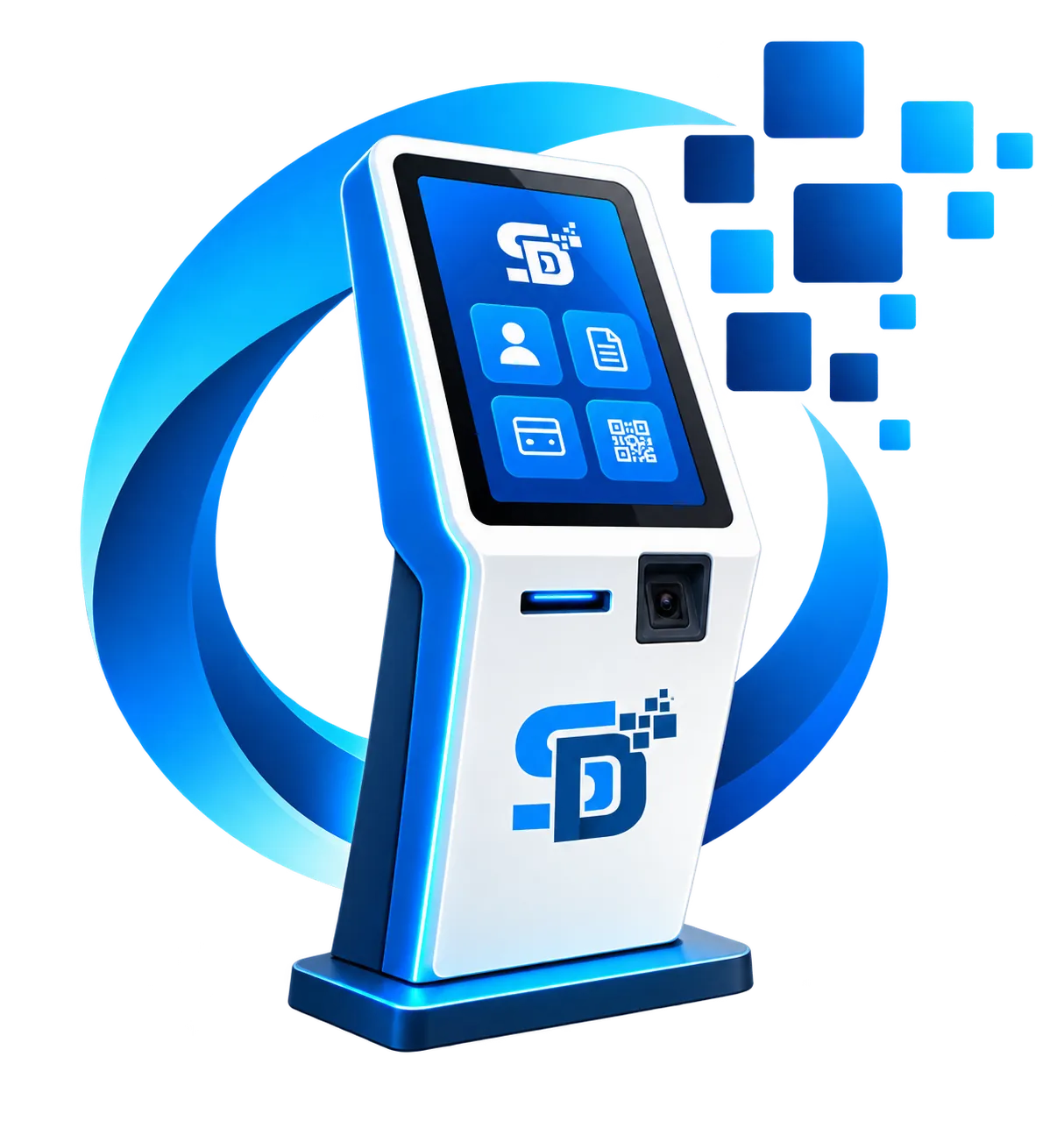
Smart Kiosk is a 24/7 terminal where citizens sign in with their registration number, order land documents such as references, certificates and cadastral maps without a service desk, pay, and print them on the spot.
 KIOSK-014 · ONLINE
Prints land e-services
Once a citizen selects a service and pays, the terminal prints the document itself — no waiting for staff, no queue, no risk of filling in the wrong form.
From sign-in to document in hand — 5 steps.
Citizens complete each step on screen themselves, with no need to stand at a cashier.
Sign in
The citizen enters their registration number and confirms with an SMS code. No ID card or passport needed.
Choose a land parcel
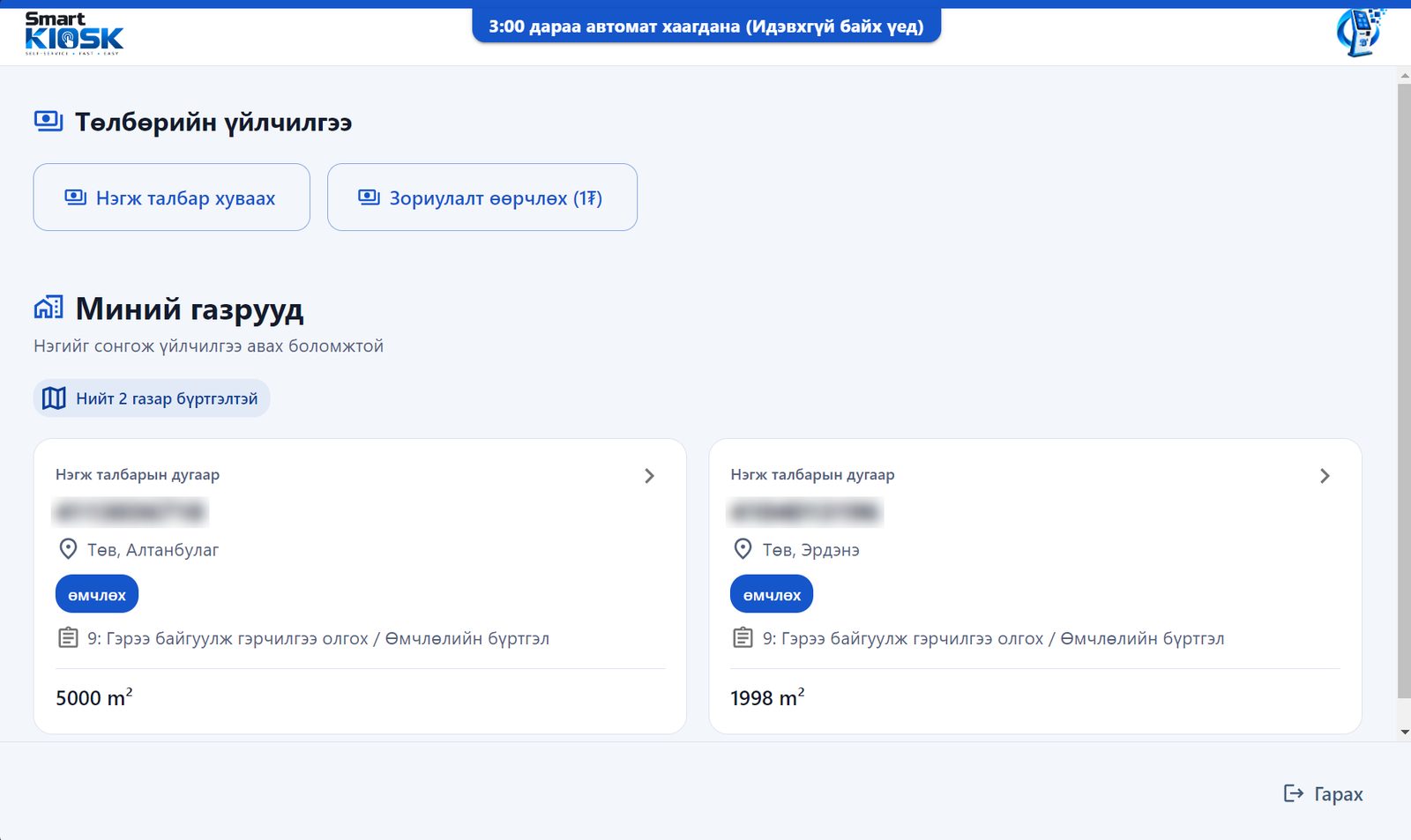
All land registered to the citizen is loaded automatically to choose from.
Choose a service
Pick the document needed — statements, certificates, cadastral maps or references — with one tap.
Pay
Pay instantly by scanning a QPay QR code or using a bank card at the terminal.
Collect the document
Once payment is confirmed the document is generated as a PDF and printed by the terminal.
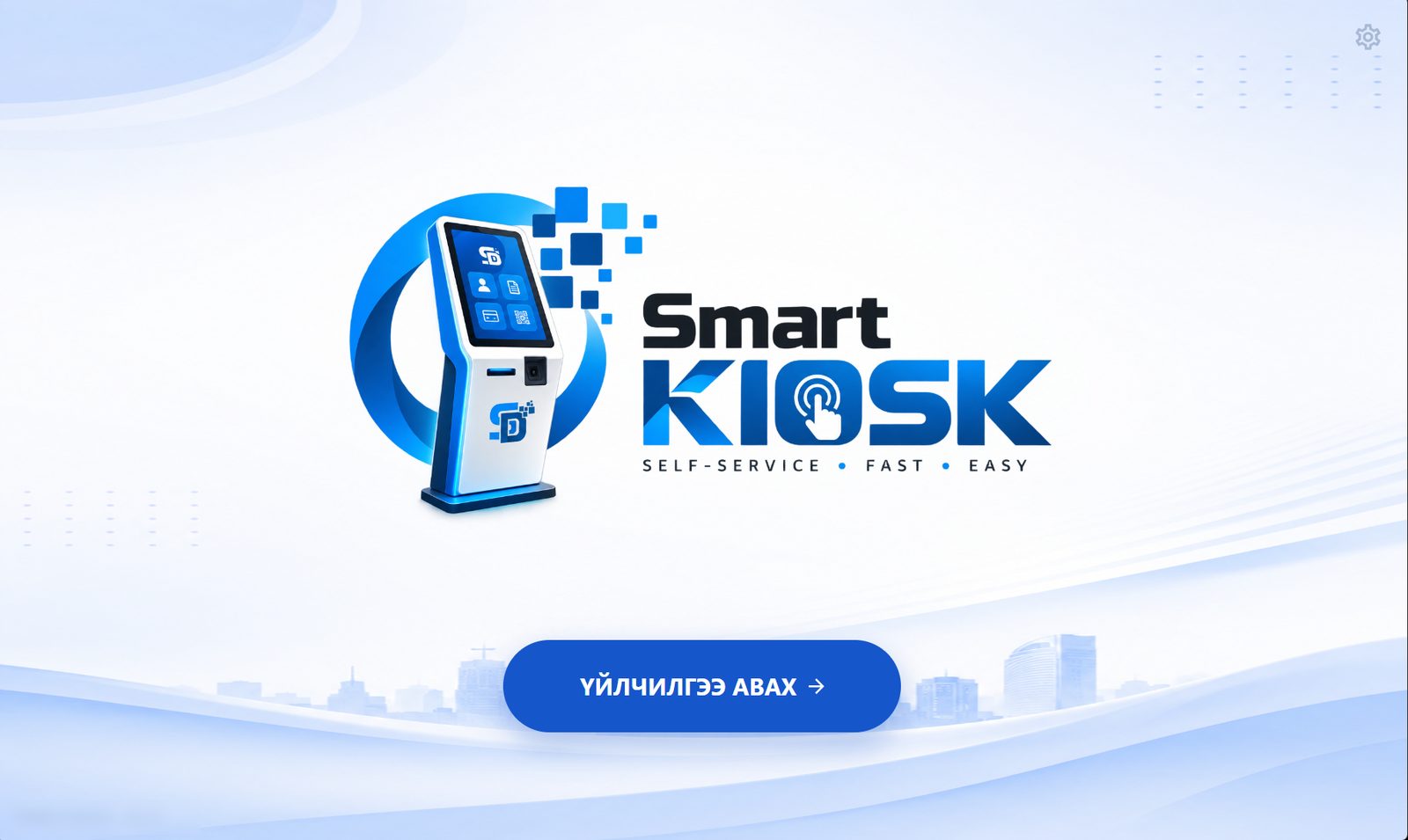
Smart Kiosk in live operation
Real screens citizens use at the terminal.
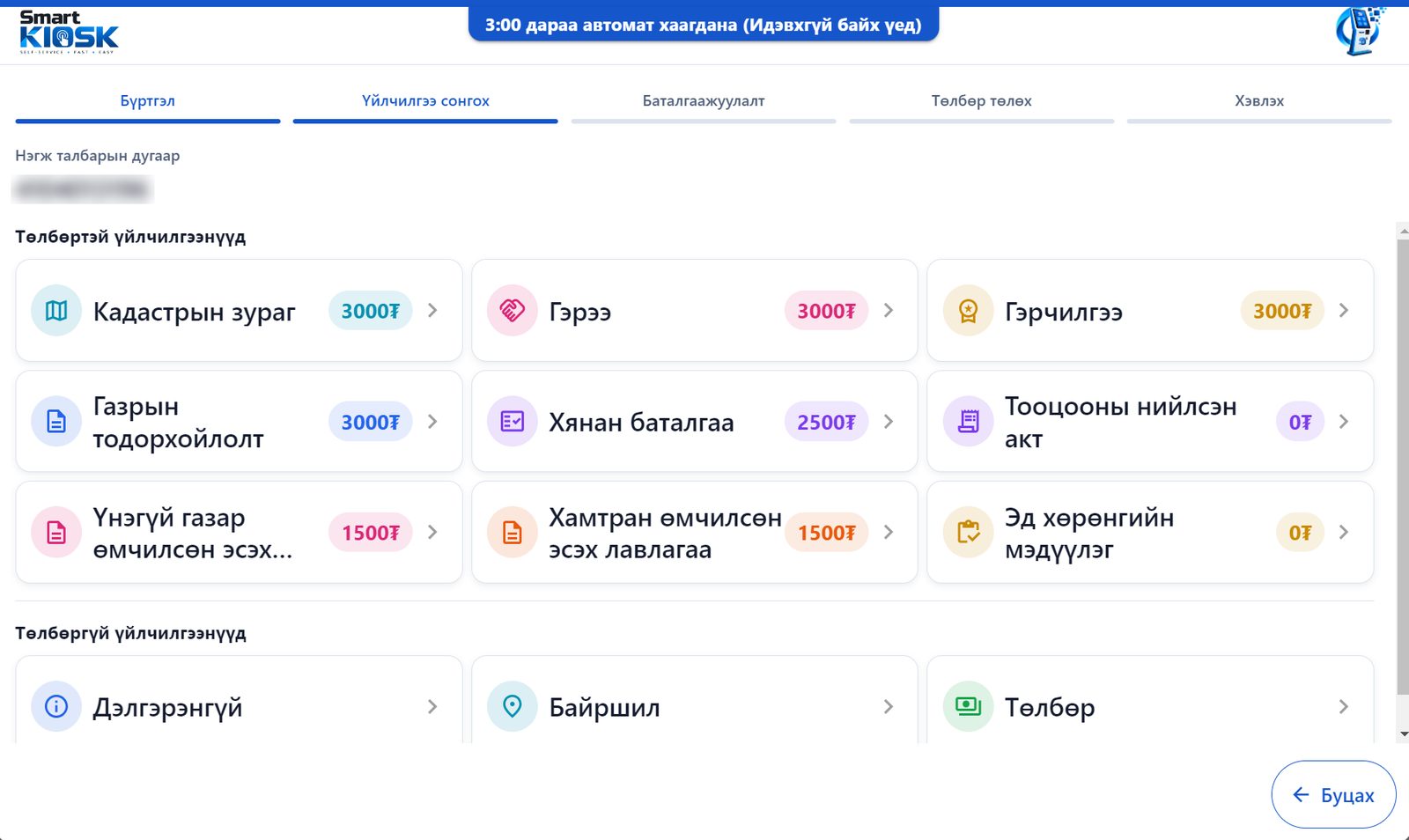
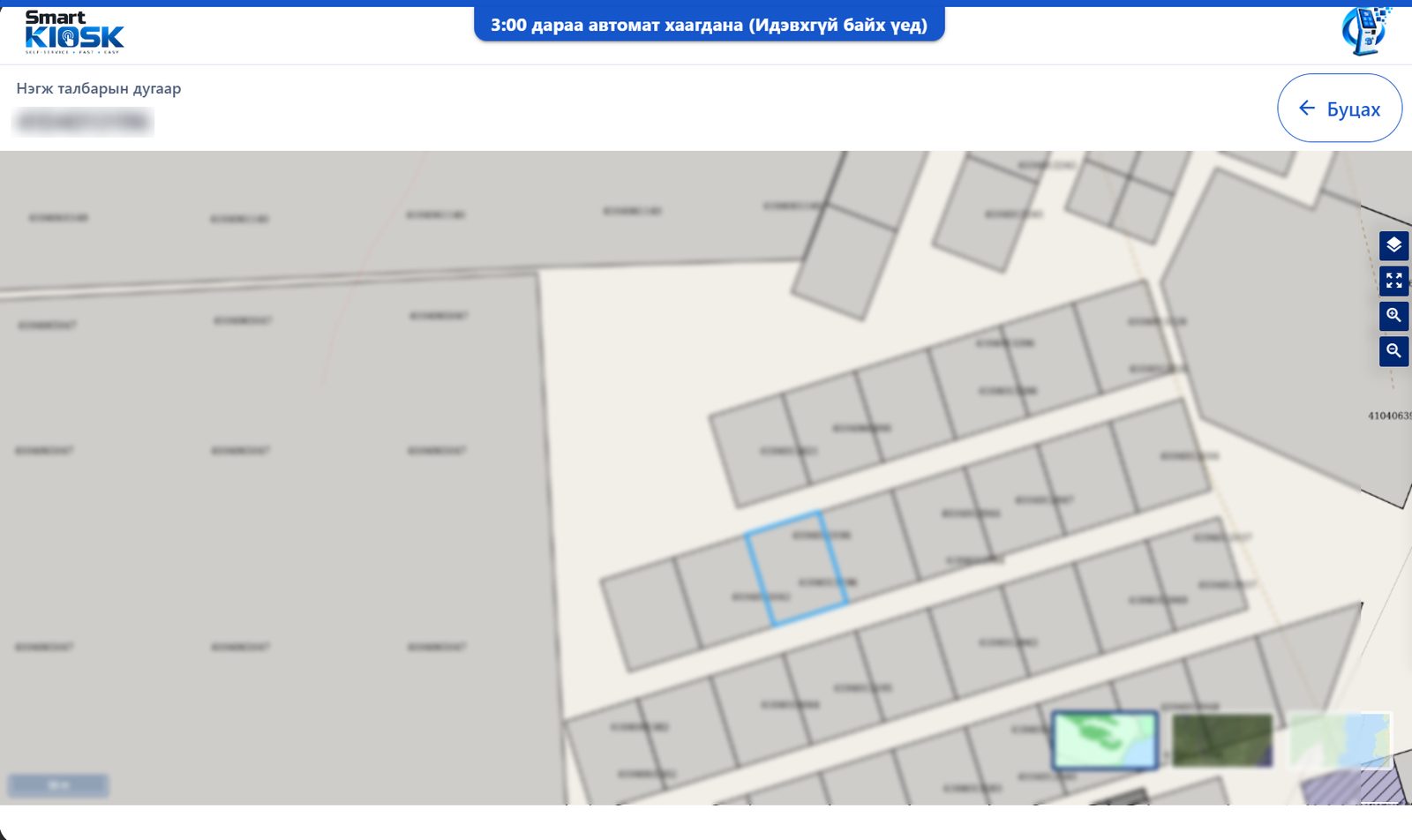
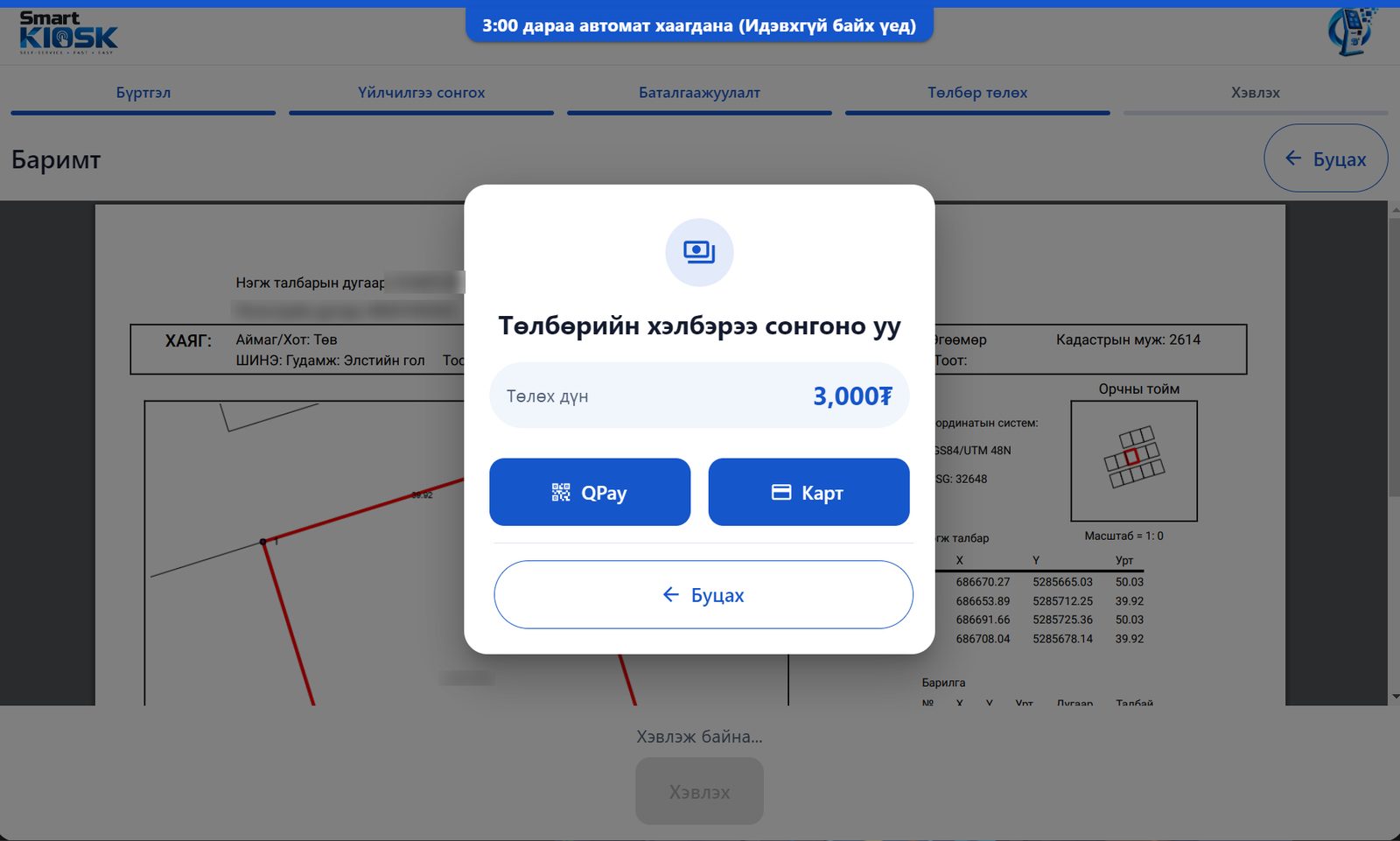
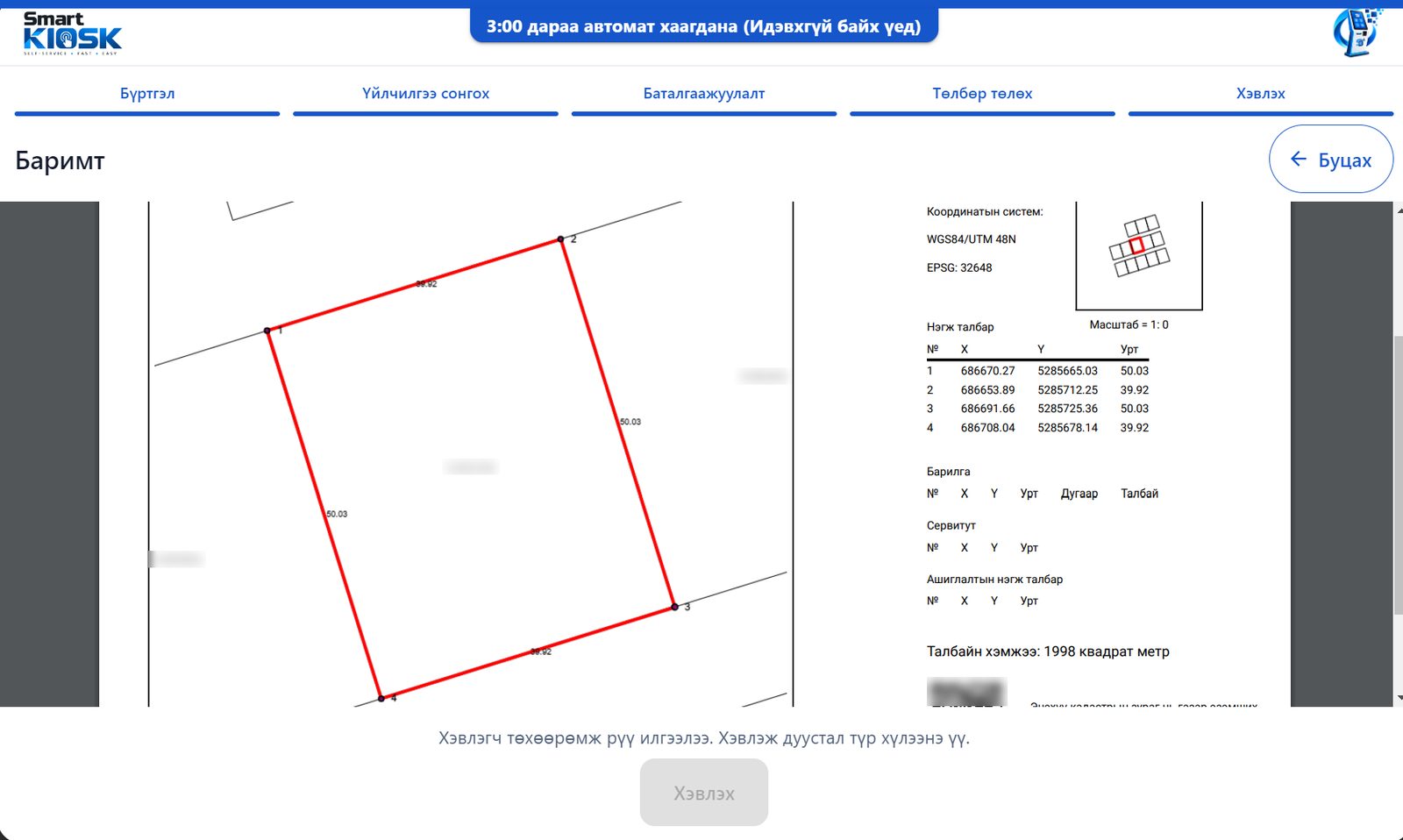
The land registry documents people need most.
Most documents that desk staff used to prepare by hand are now prepared and printed by the terminal.
Registration statement
Official statement from the land rights registry.
Cadastral map
Download and print the cadastral map.
Land certificate
Certificate copy or reprint.
Contract
Land contract.
Land reference
Reference on current ownership rights, 2 versions.
Collateral / rights
Reference on collateral and court decisions.
Reconciliation statement
Printed account reconciliation statement.
Two payment channels, one transparent flow.
The terminal takes no cash — every payment is recorded and receipted electronically.
QPay QR payment
Scan the on-screen QR code with a banking app; confirmed in seconds.
Bank card (POS)
Pay directly with a card on the built-in POS terminal.
Automatic session close
Three minutes after a citizen leaves, their data is cleared automatically and the next person starts fresh.
No hands-on maintenance after installation.
Automatic updates
New versions download silently to every terminal and install at the next idle moment.
Locked kiosk mode
Runs full-screen; users cannot reach the rest of Windows.
Remote configuration
Update logos, banners and idle timeouts centrally in one place.
Works with existing systems
Connects directly to the registry system already in use, with no extra server.
Want to try Smart Kiosk at your organisation?
Start with one terminal, see the workload drop, then expand.
- +976 7272-7002
+976 9905-3216 - contact@smartdata.mn
- Office 502, World Wine Center, Bayangol District, 26th Khoroo, Ulaanbaatar